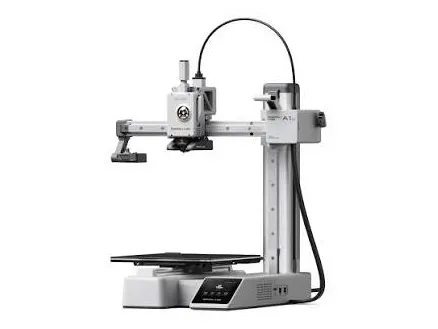
Bambu Lab A1 Mini
Best for: a first printer on a small desk · ages 8+
$249 · sale, reg. $389
Quick to set up and hard to mess up. The easiest first printer on this list.
Heads up: Small build plate (18 cm). Great for toys, not for helmets.
Just got a 3D printer? I’ll help you set it up, show you what to download, and get your first print going. Then your kids learn to use it like a pro, from printing things they find to designing their own.
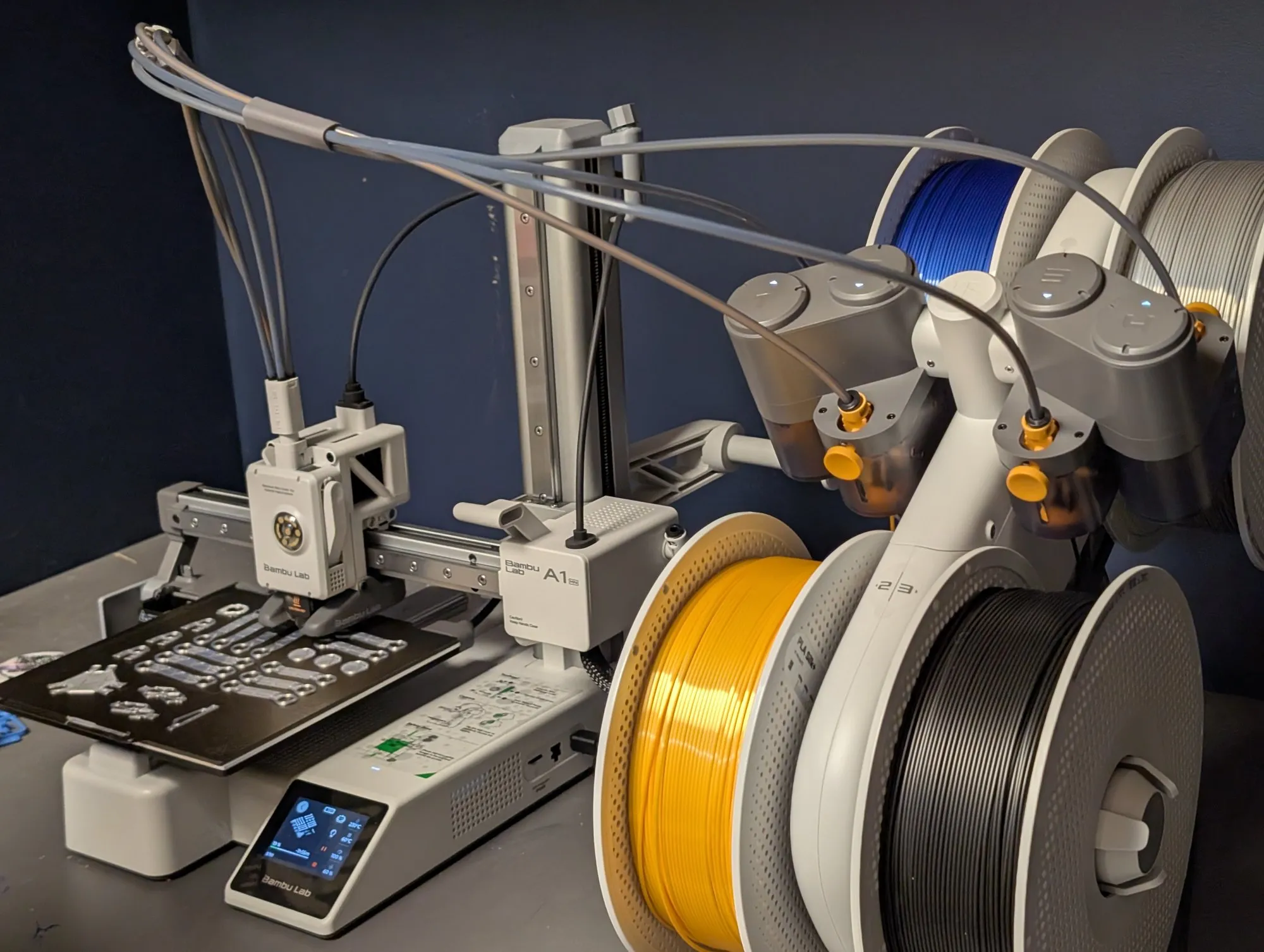
Answer 7 quick questions and I’ll match your family with the right printer.
No sponsored picks. Just the ones I’d buy for my own family.
Best for: a first printer on a small desk · ages 8+
$249 · sale, reg. $389
Quick to set up and hard to mess up. The easiest first printer on this list.
Heads up: Small build plate (18 cm). Great for toys, not for helmets.
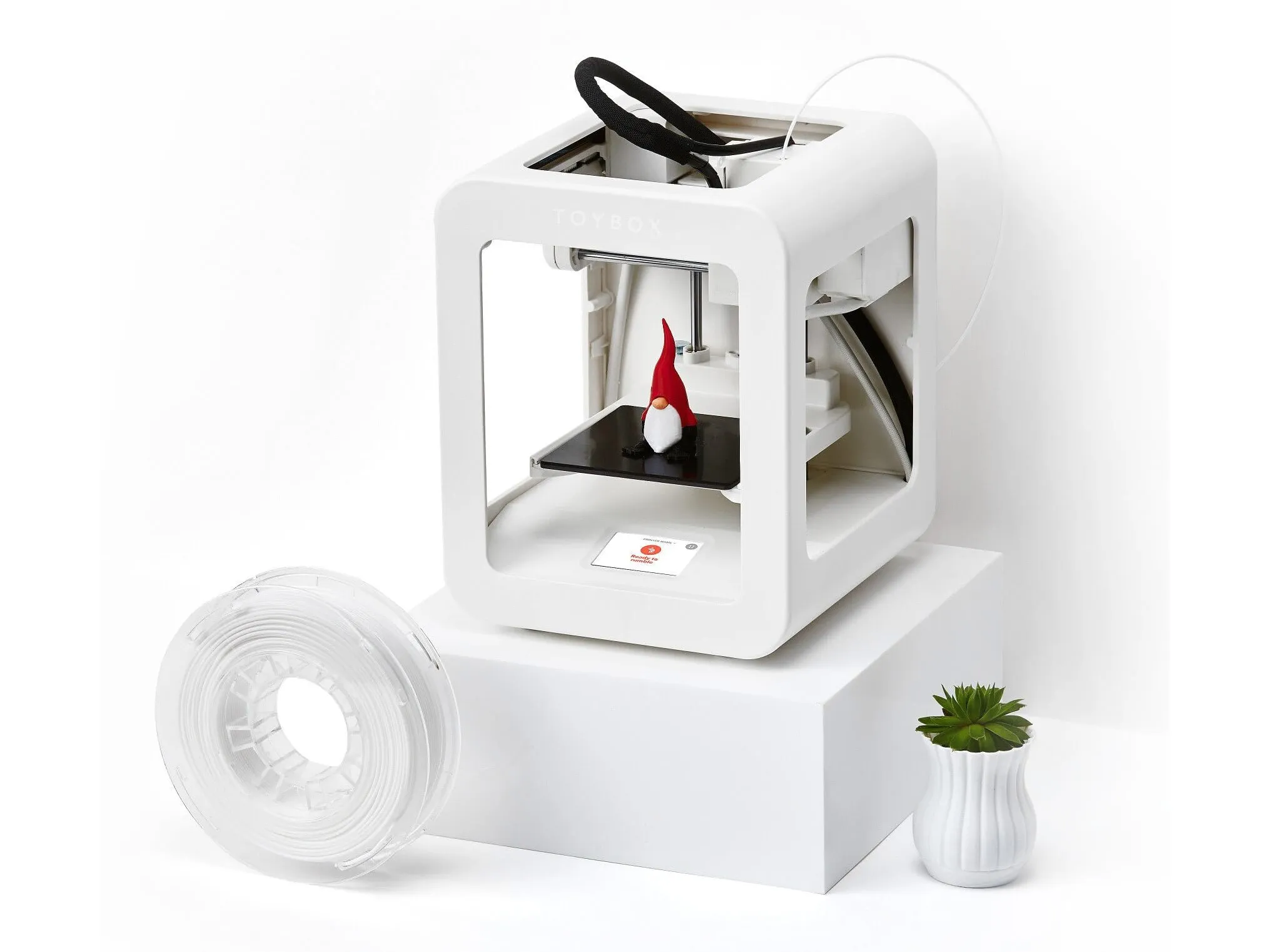
Best for: younger kids, zero fuss · ages 5+
See Price on Site
Fully enclosed and run from an app full of ready-made toys. The gentlest start.
Heads up: PLA only, and it needs home Wi-Fi.
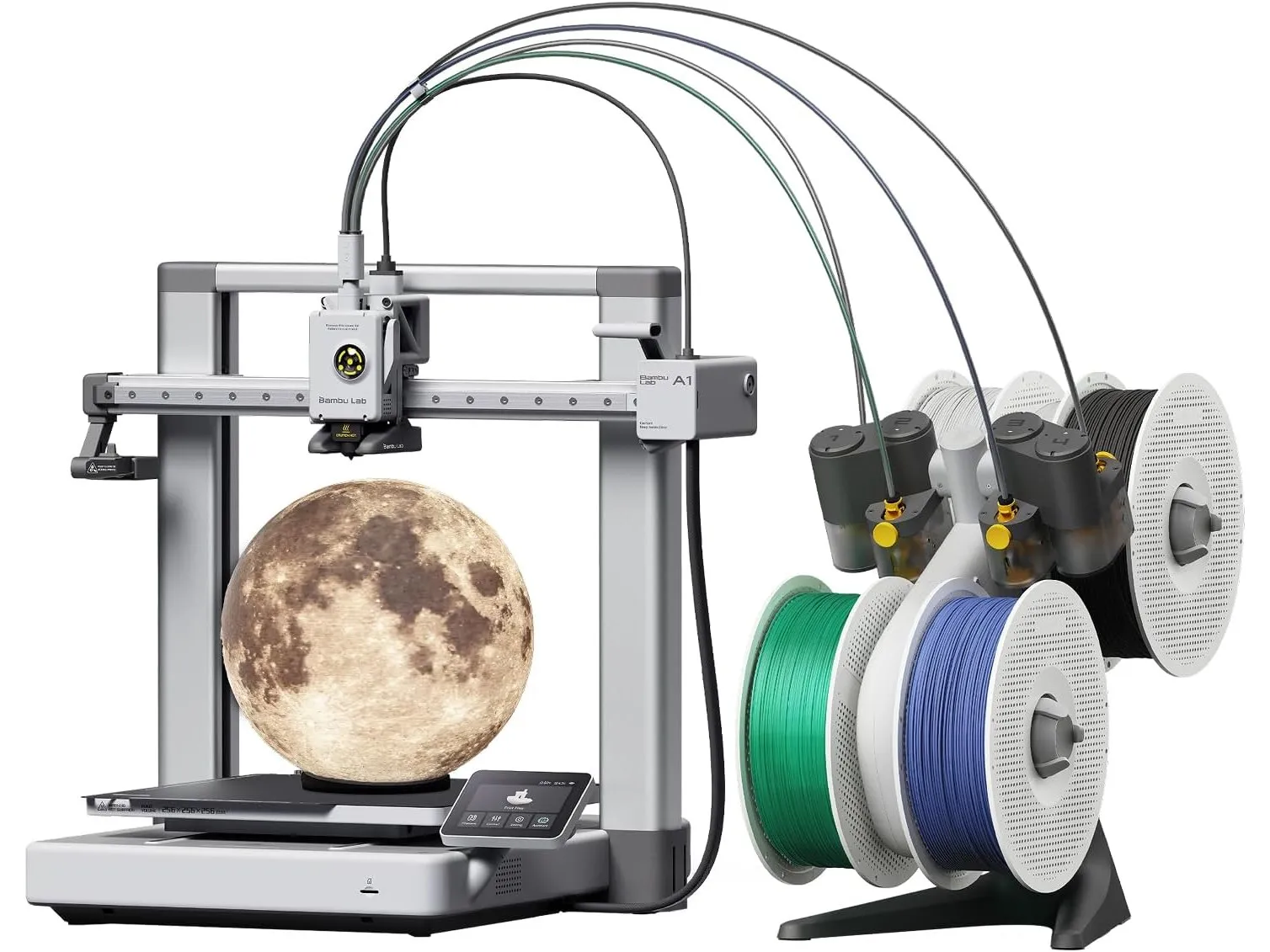
Best for: bigger prints, colour later · ages 10+
$399 · sale, reg. $519
Bigger prints now, and a 4-colour add-on when you want multicolour.
Heads up: Open frame: keep it where little hands can’t reach the hot parts.
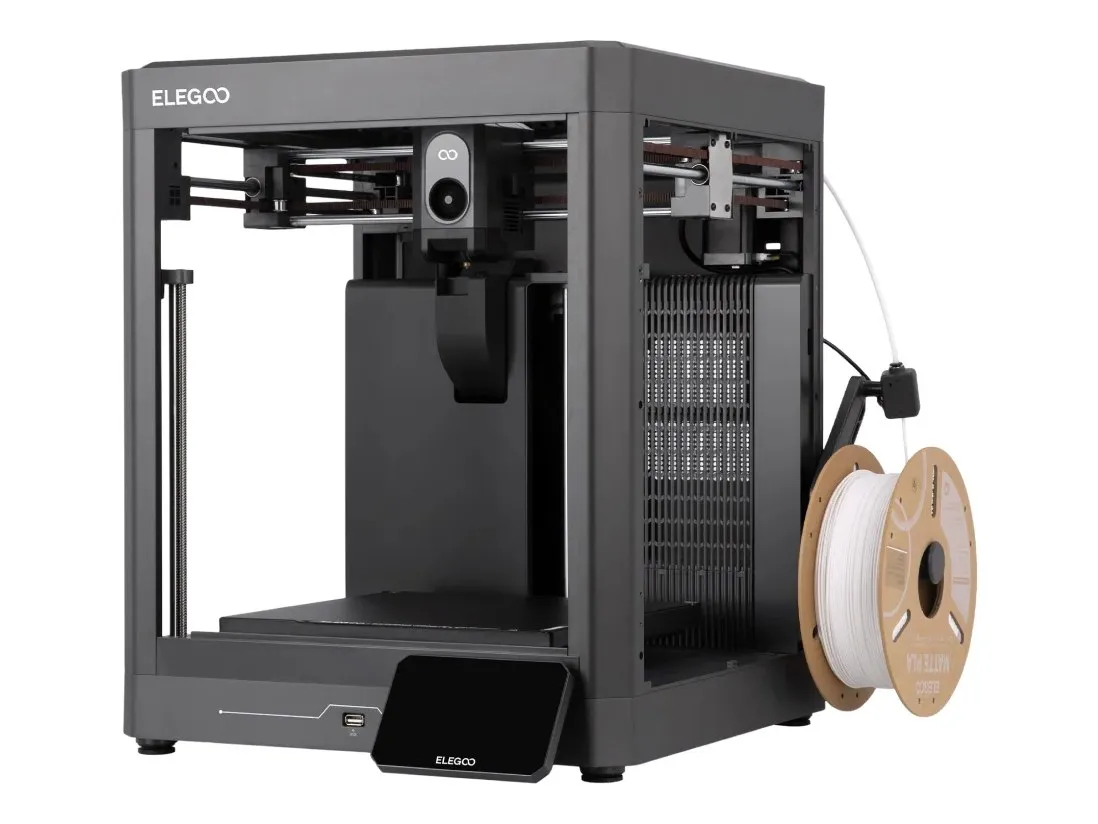
Best for: shared rooms and teens · ages 11+
See Price on Site
Enclosed, fast and no assembly, at a friendly price.
Heads up: One colour at a time.
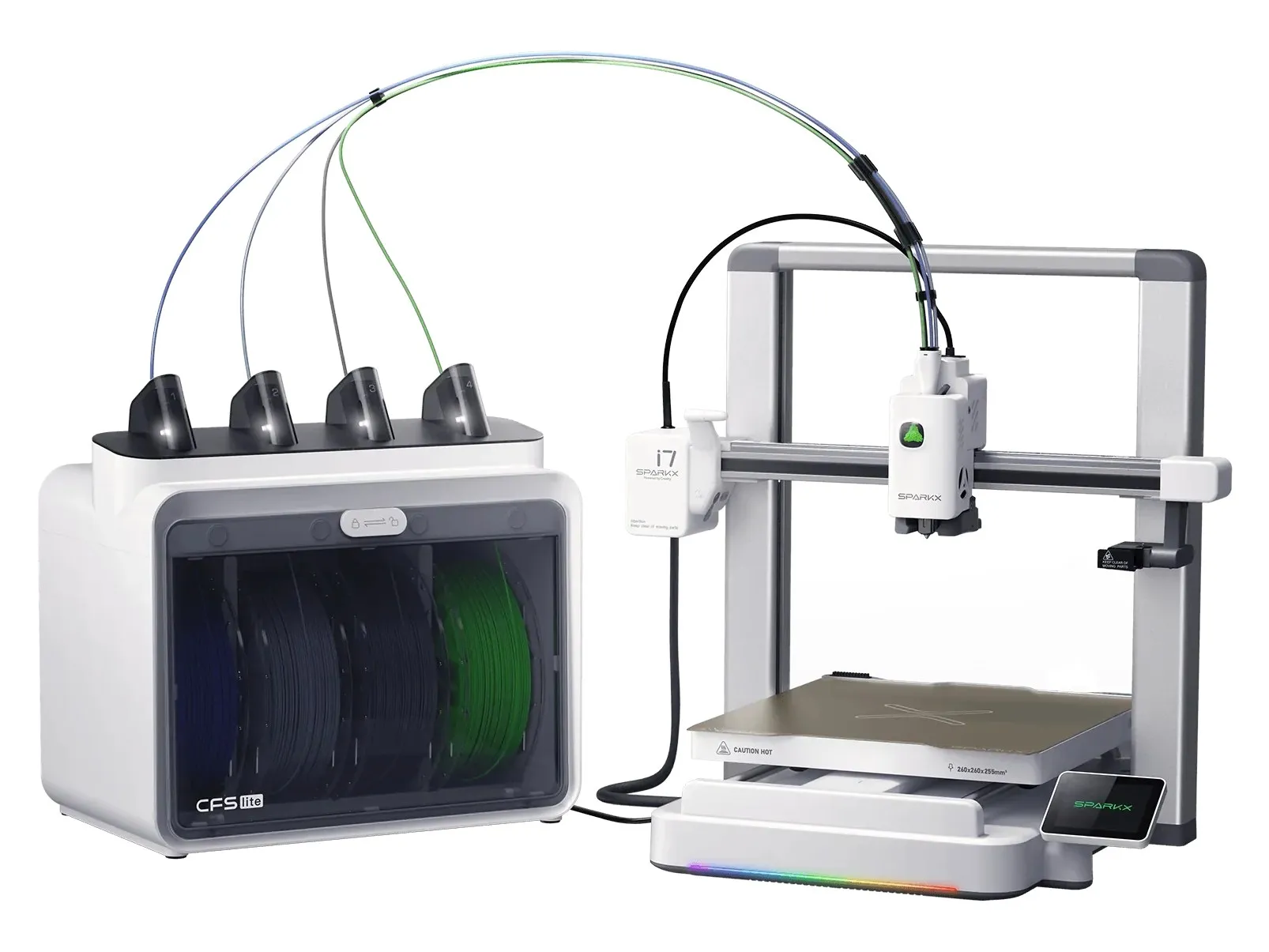
Best for: Costco shoppers · ages 8+
See Price on Site · Costco.ca, online only
Ready in minutes and comes with 12 rolls of filament, so you can start right away.
Heads up: Costco only shows the price once you sign in.
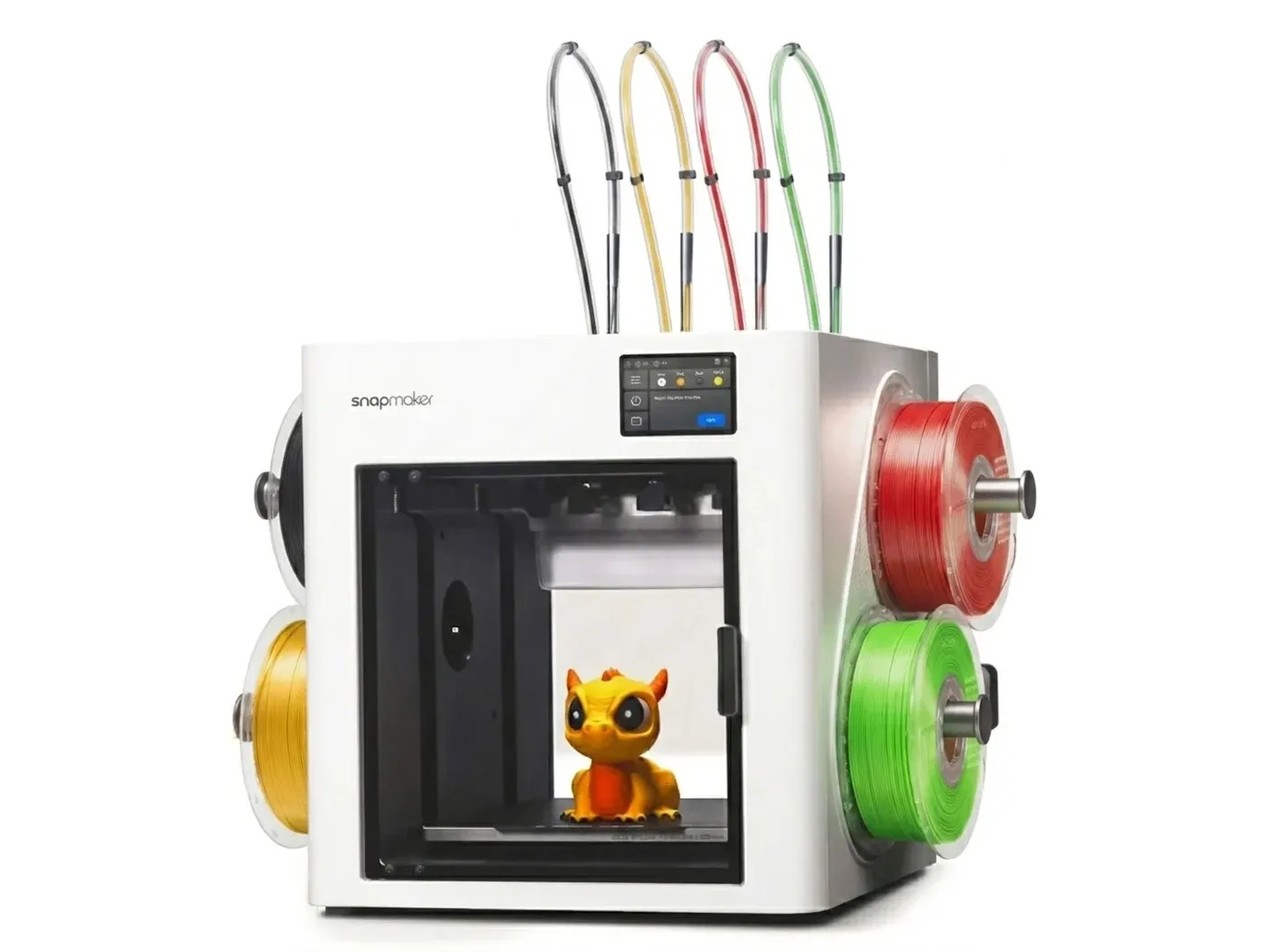
Best for: engineering families · ages 12+
$1,069 · Canada Computers
Four tool heads swap colours in seconds with almost no waste.
Heads up: A big spend, and a lot of machine for a first printer.
Free designs I’ve printed and loved. Tap one to download it from MakerWorld.
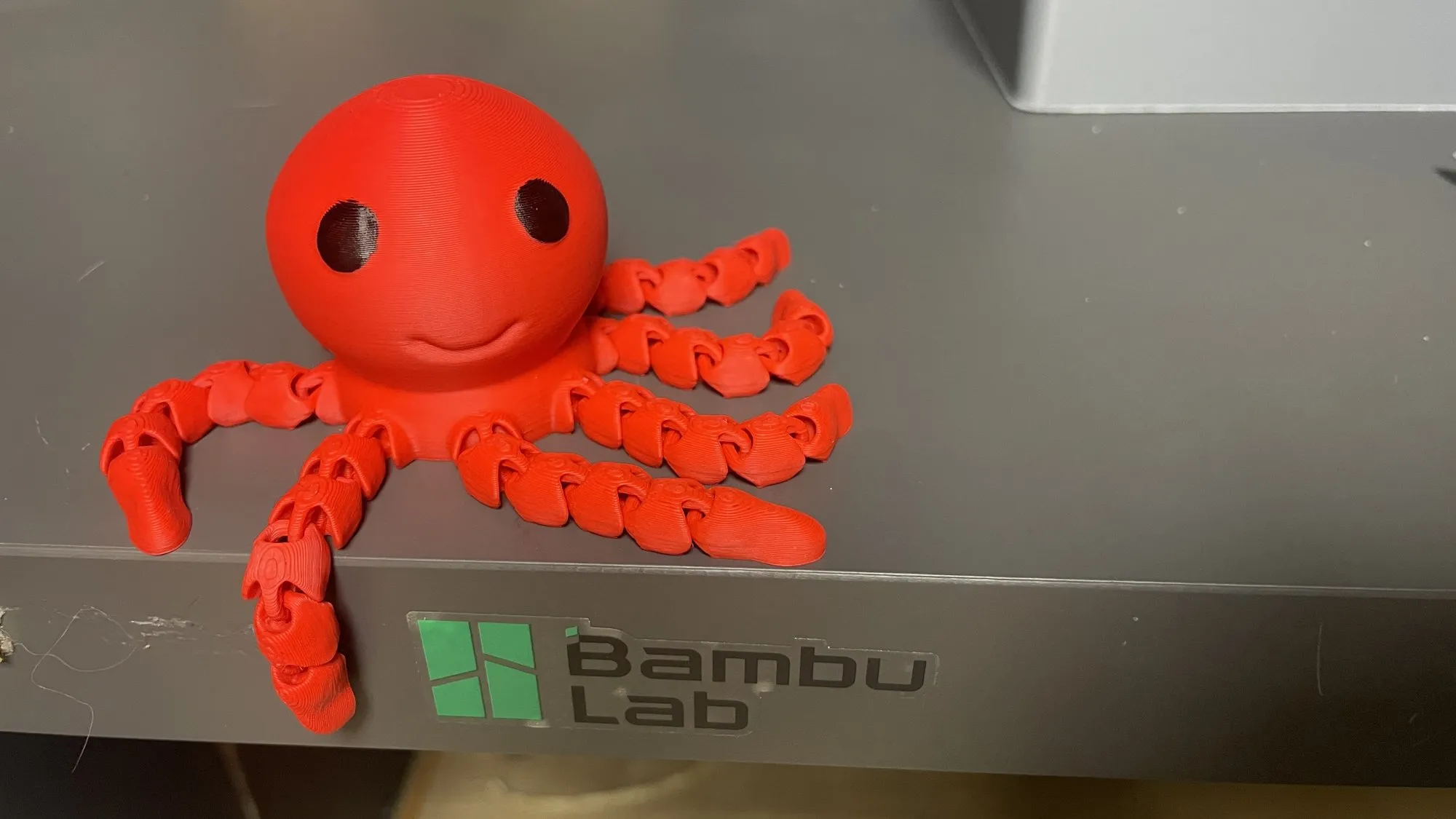
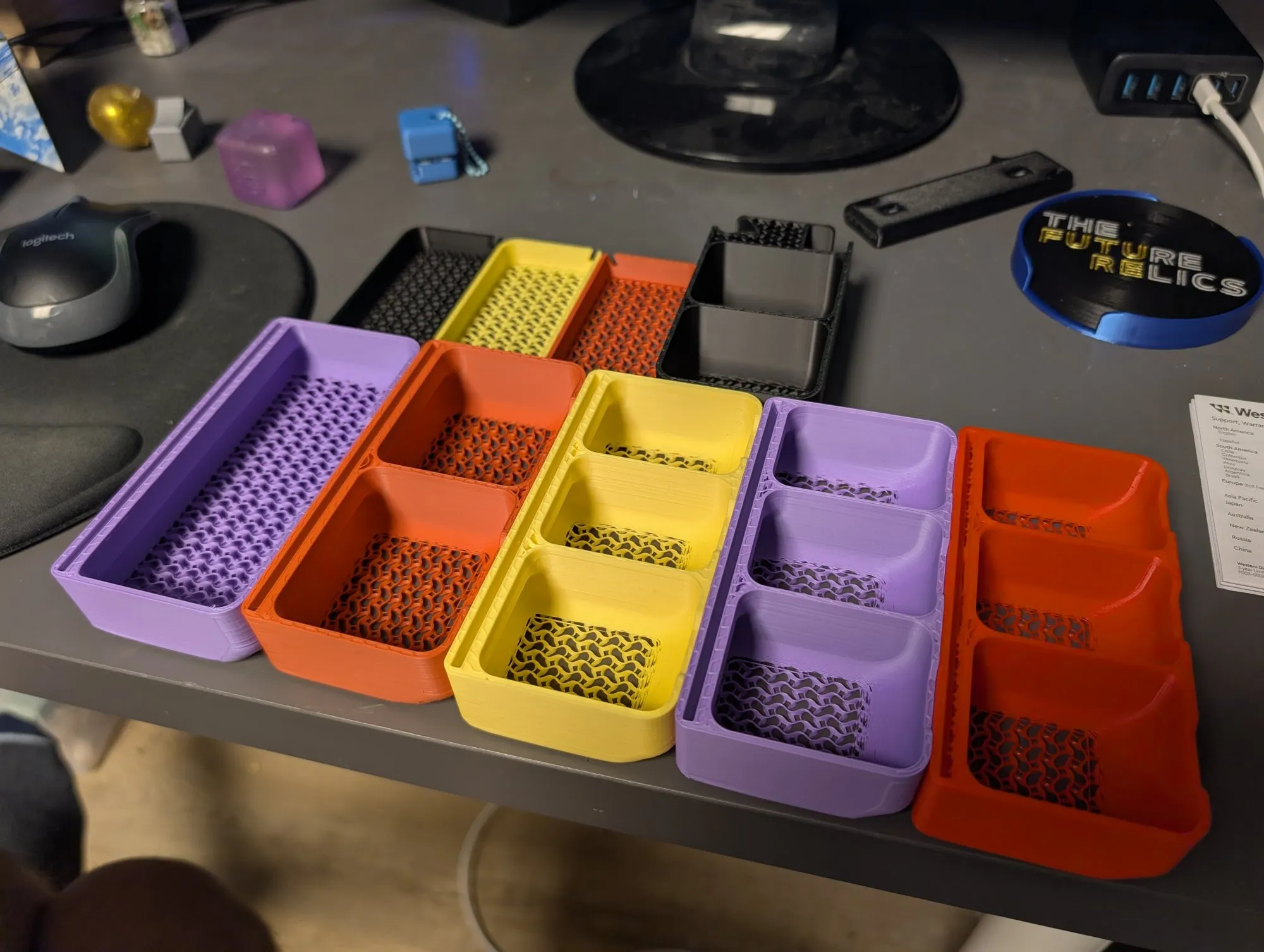
Happy little flexi octopusEasyGet it on MakerWorld Flex Box storage organizerEasyGet it on MakerWorld 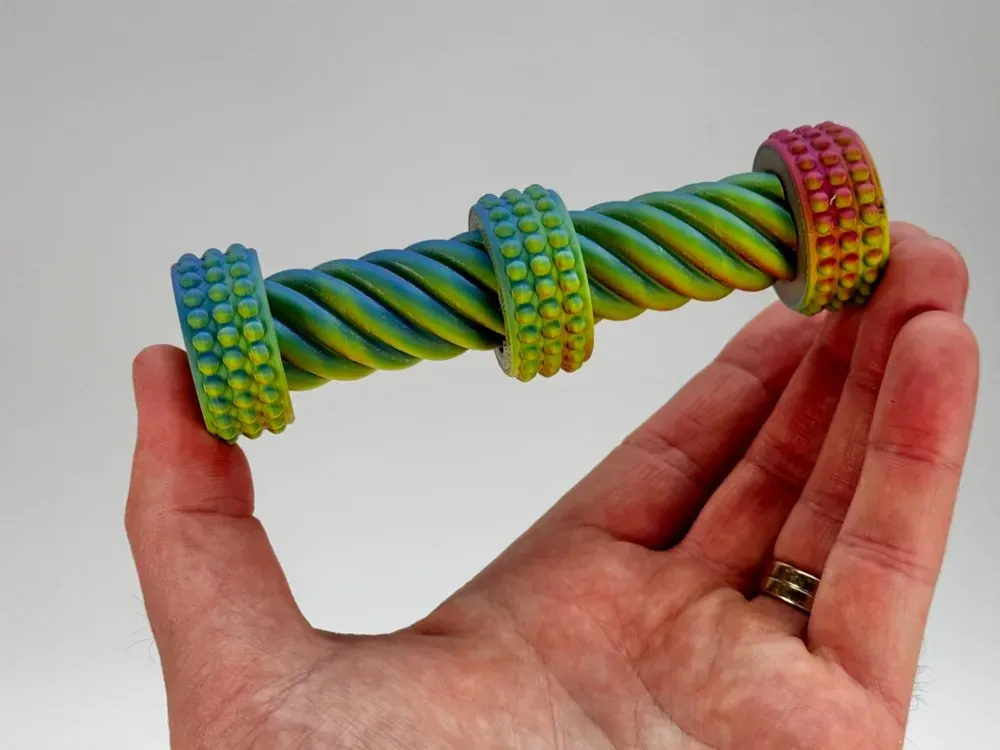 Twist fidgetEasyGet it on MakerWorld
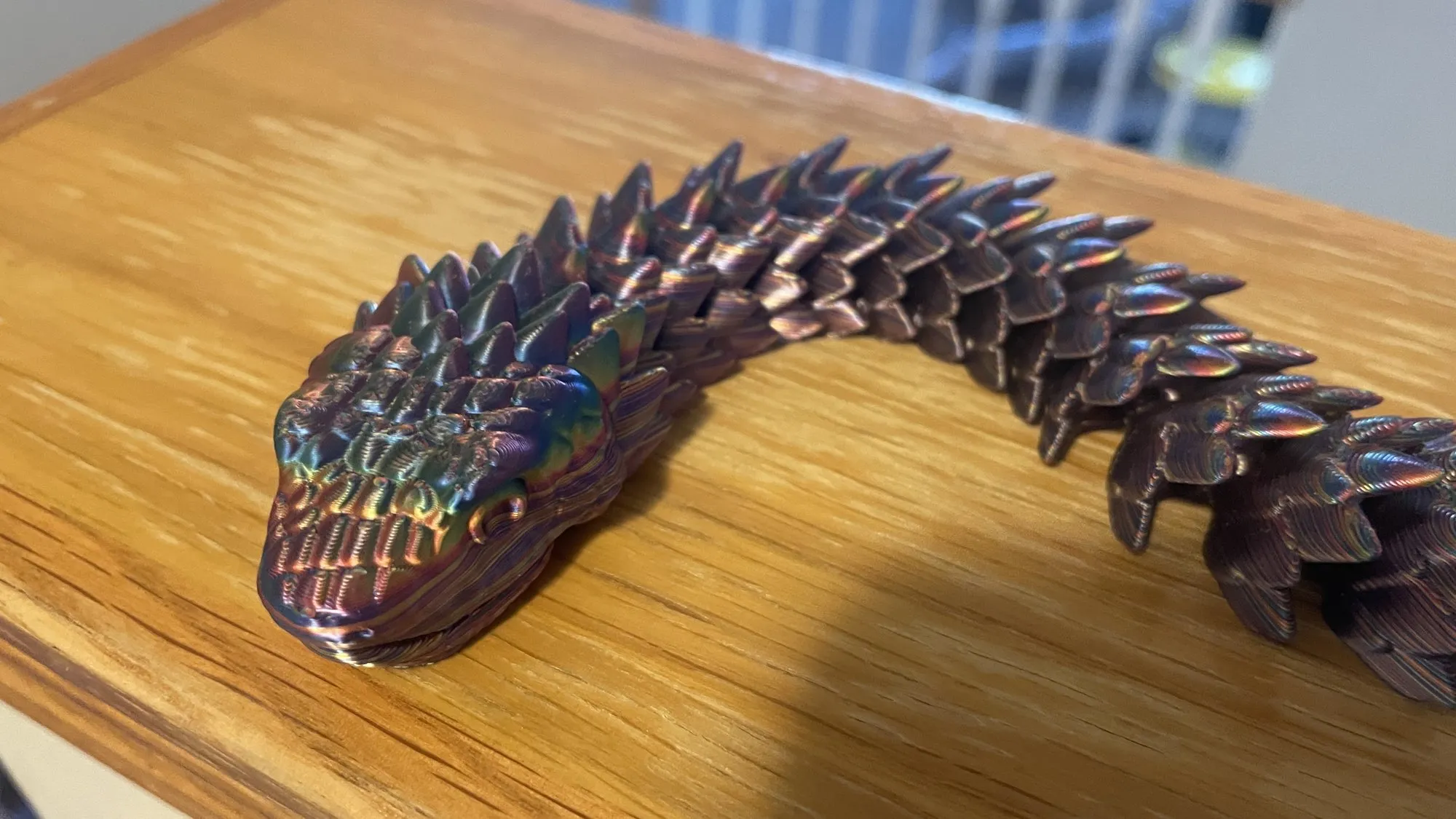
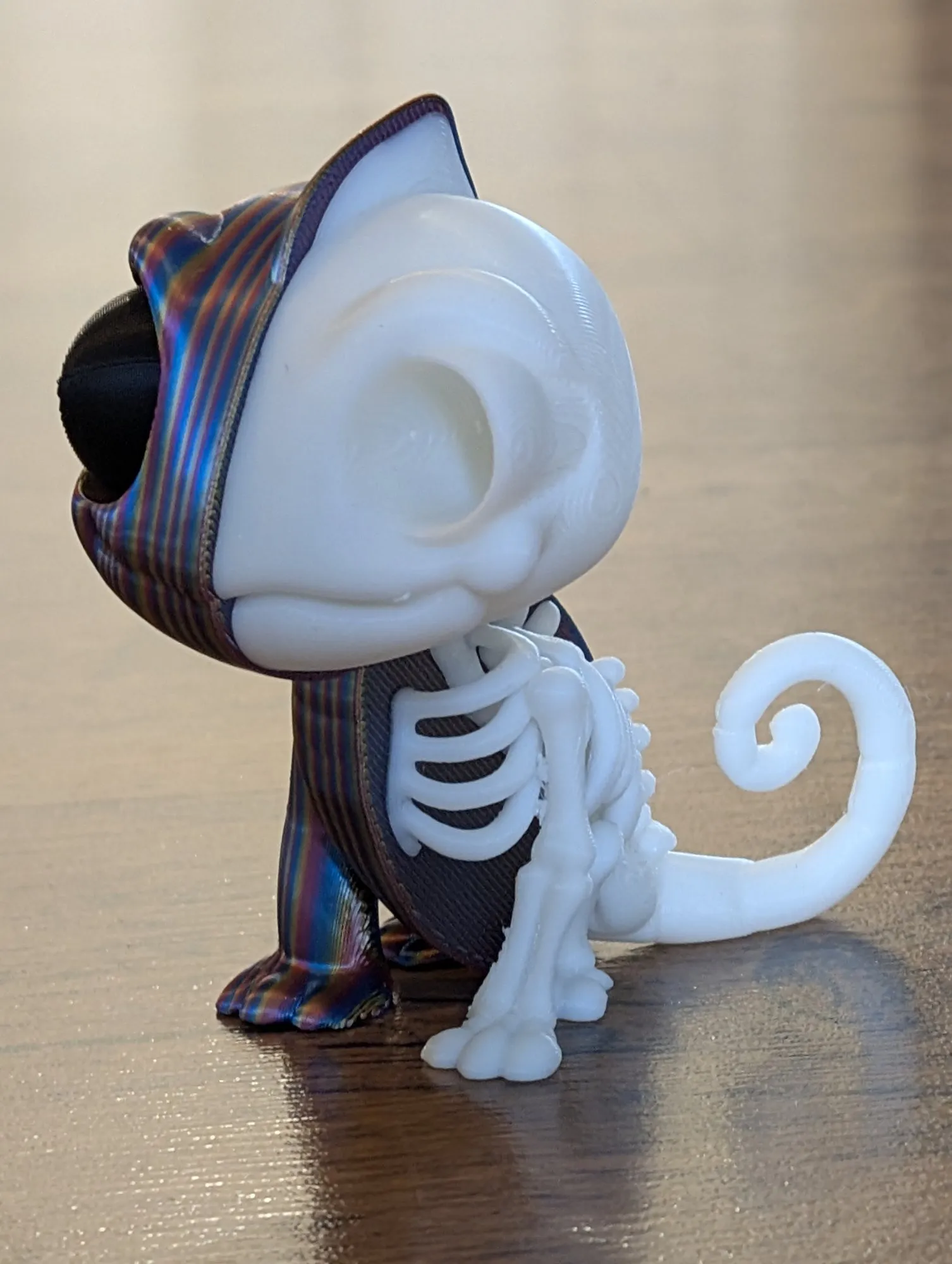
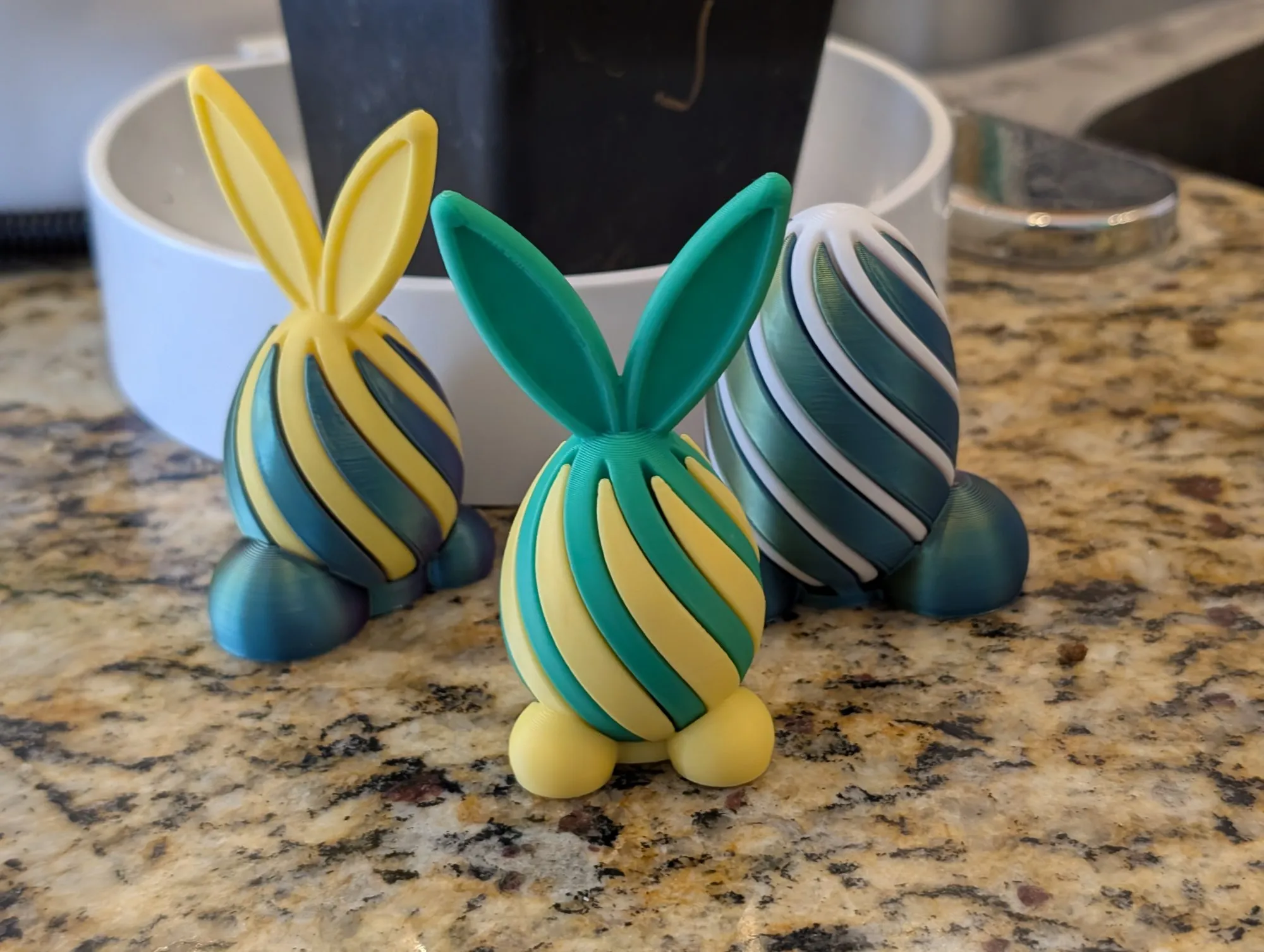
 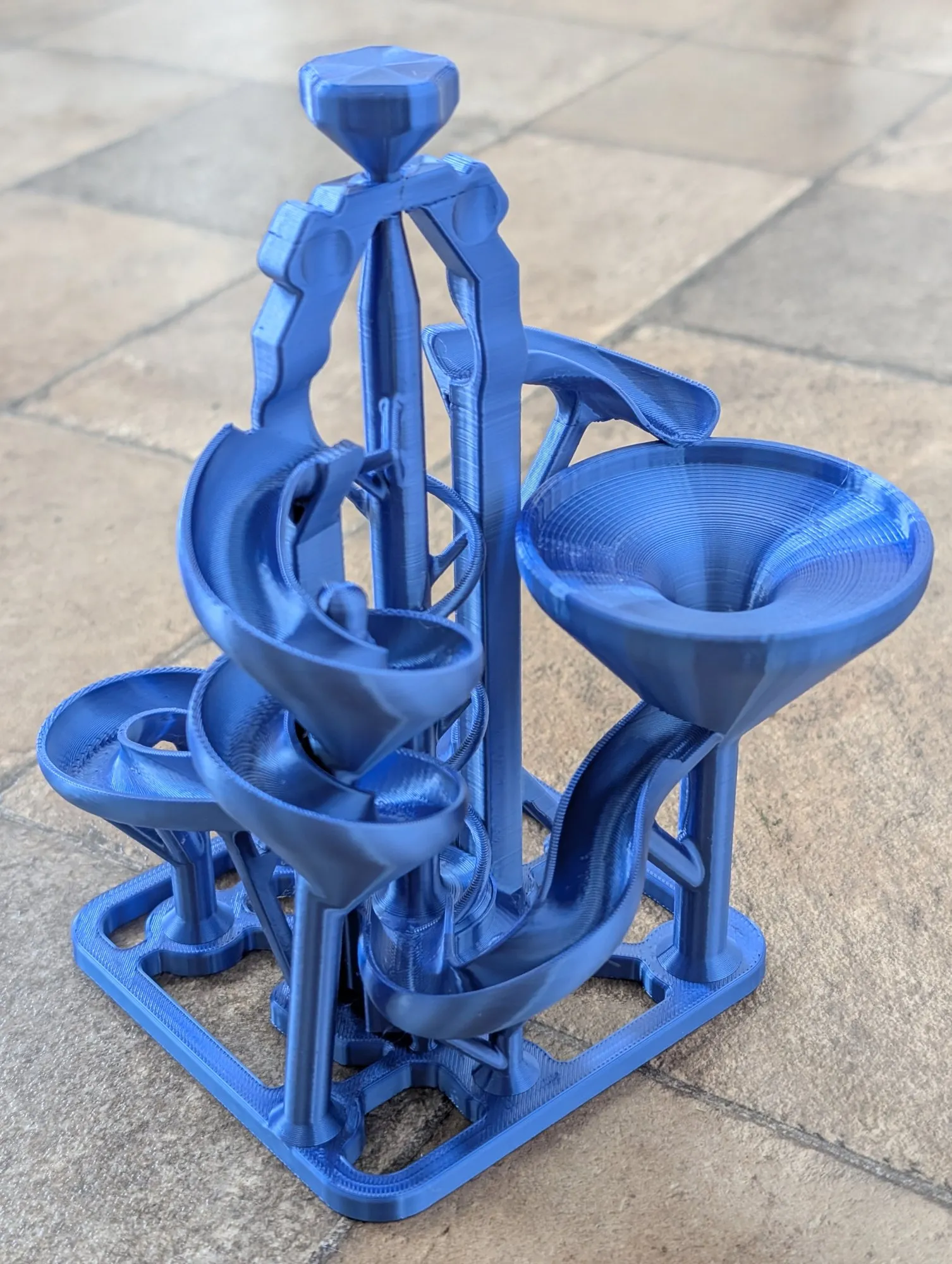 Print-in-place marble runMediumGet it on MakerWorld Skeleton chameleonMediumGet it on MakerWorld Articulated Duskscale snakeMediumGet it on MakerWorld Easter bunny helix fidgetMediumGet it on MakerWorld
 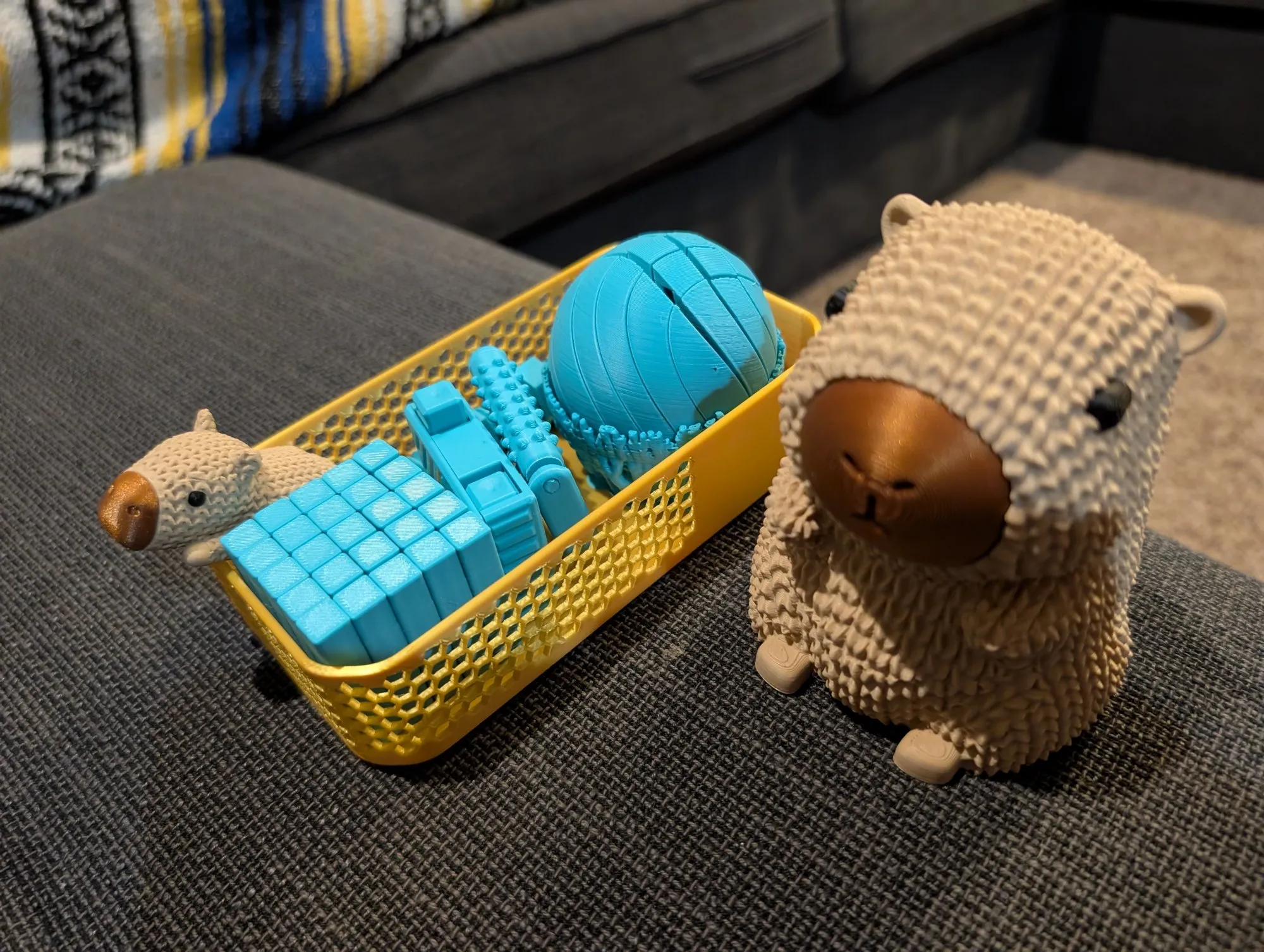 Knitted CapybaraMediumGet it on MakerWorld
 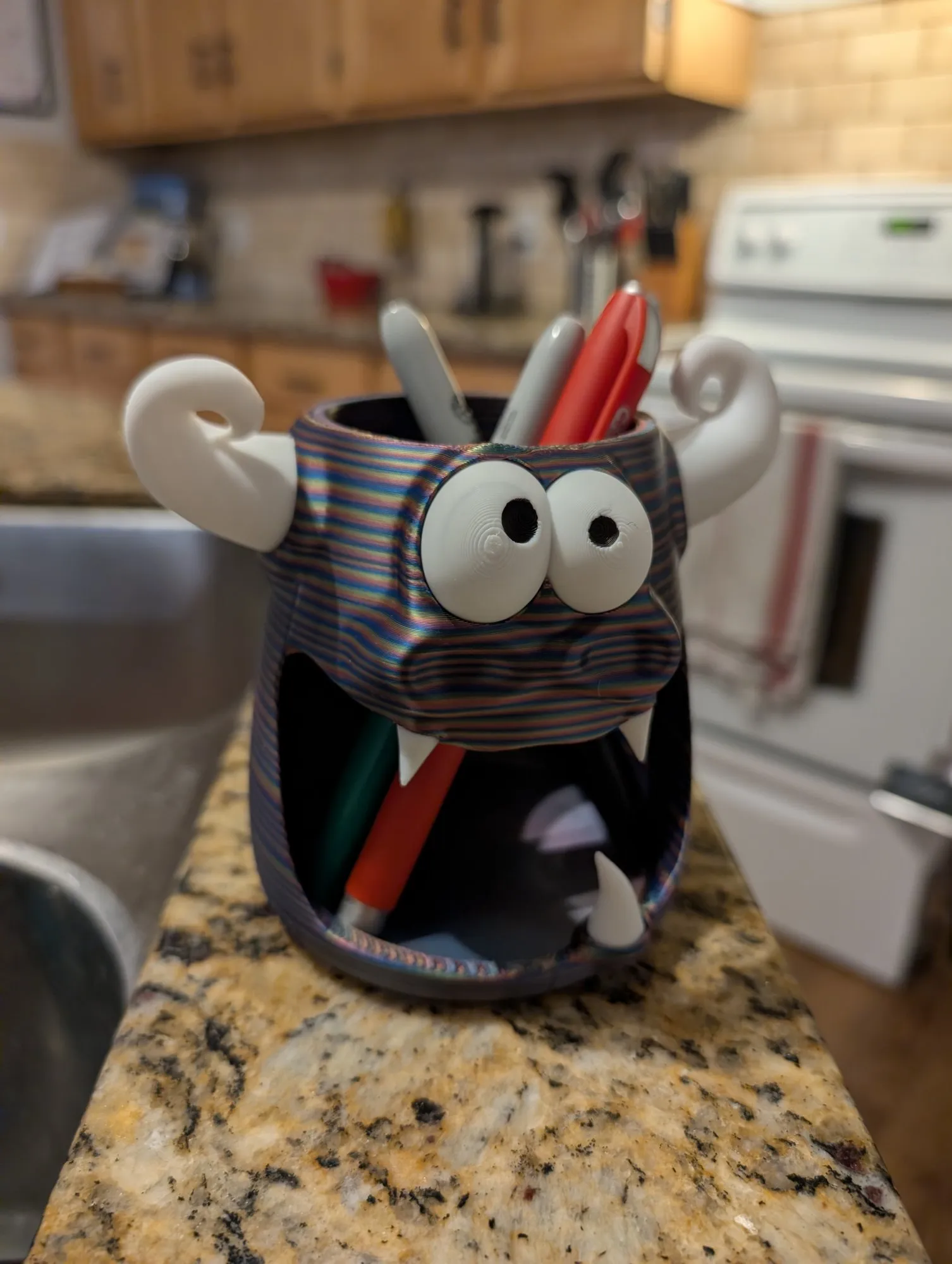 Cute monster pen holderHard printGet it on MakerWorld
 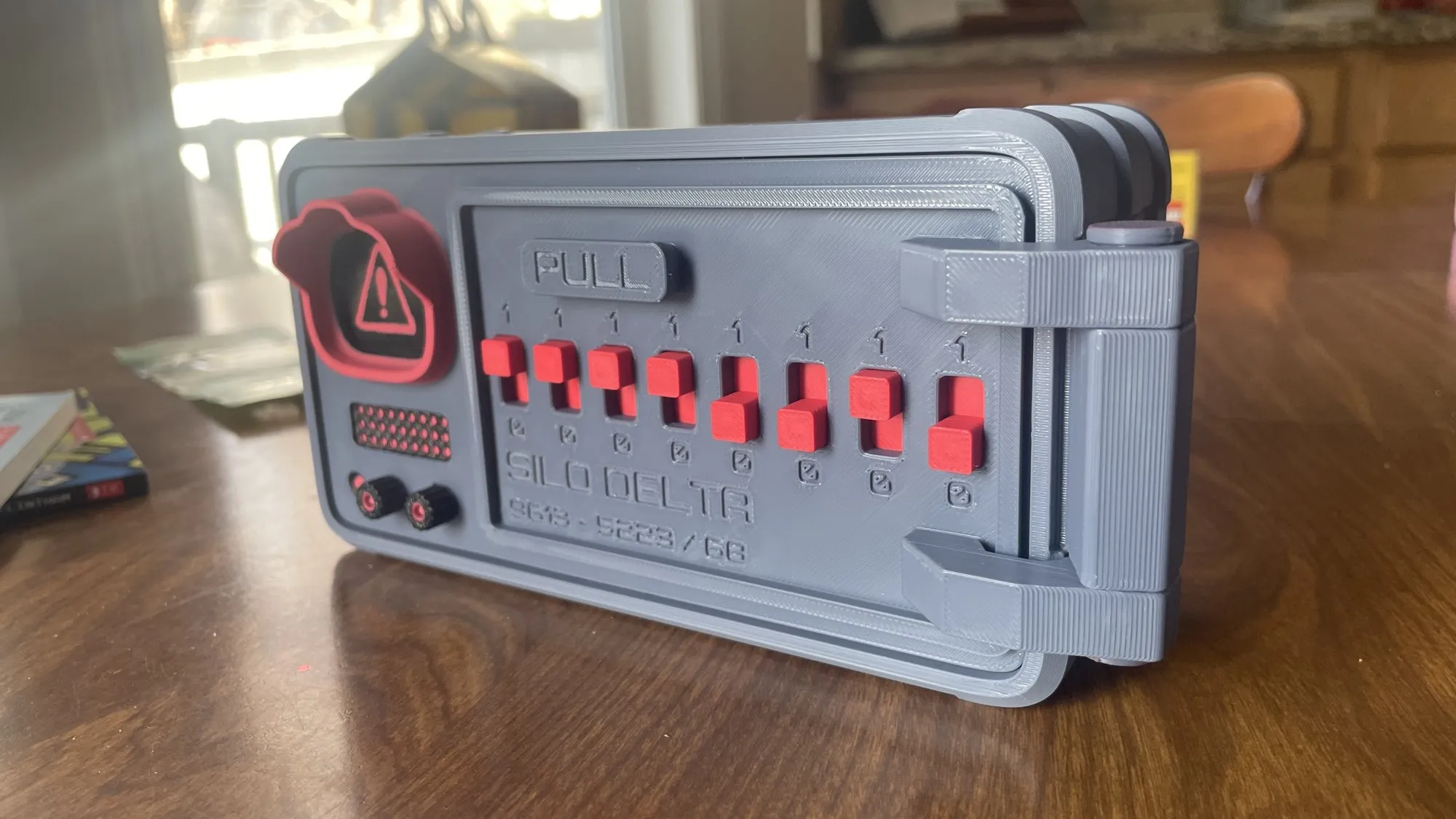 Nuclear launch code vaultHard printGet it on MakerWorld
 Think it. Print it.
Learn how to turn an idea into a real, physical object. Explore 3D design, experiment with printing, solve problems and make things you can take home. I’m building it now for 2027.
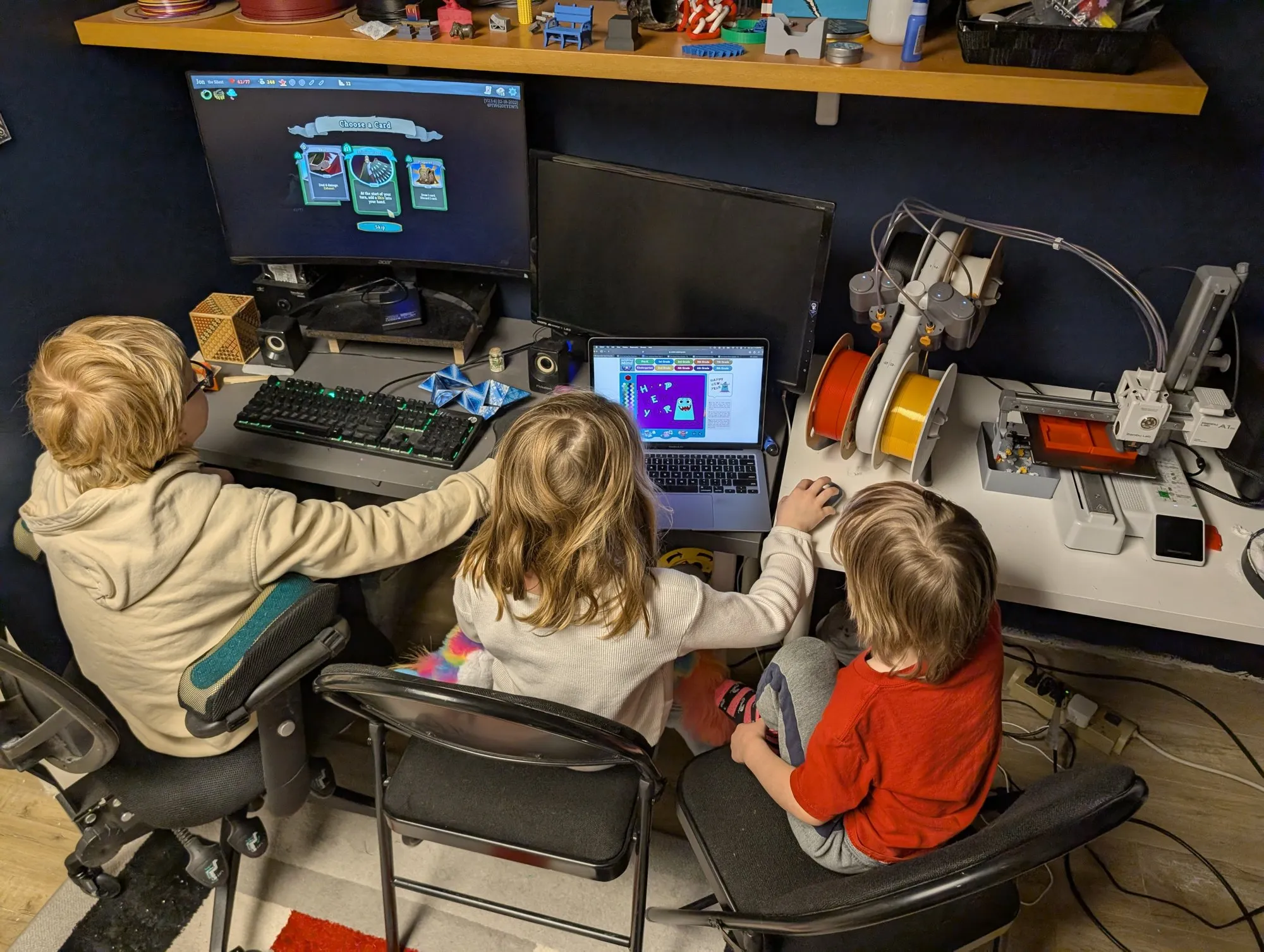
The reason this exists, and how every class runs.
Anyone can learn this: kids, parents, total beginners. I’ll help you figure it out.
Making things is how you learn how things work. It’s not about churning out trinkets.
Kids and grown-ups learn together, so the printer keeps getting used at home.
Girls, boys, anyone who likes to make things. Everyone gets a turn at the printer.
Today I teach 3D printing and design. One day, a place in Okotoks where anyone can come make anything.
We can make it!
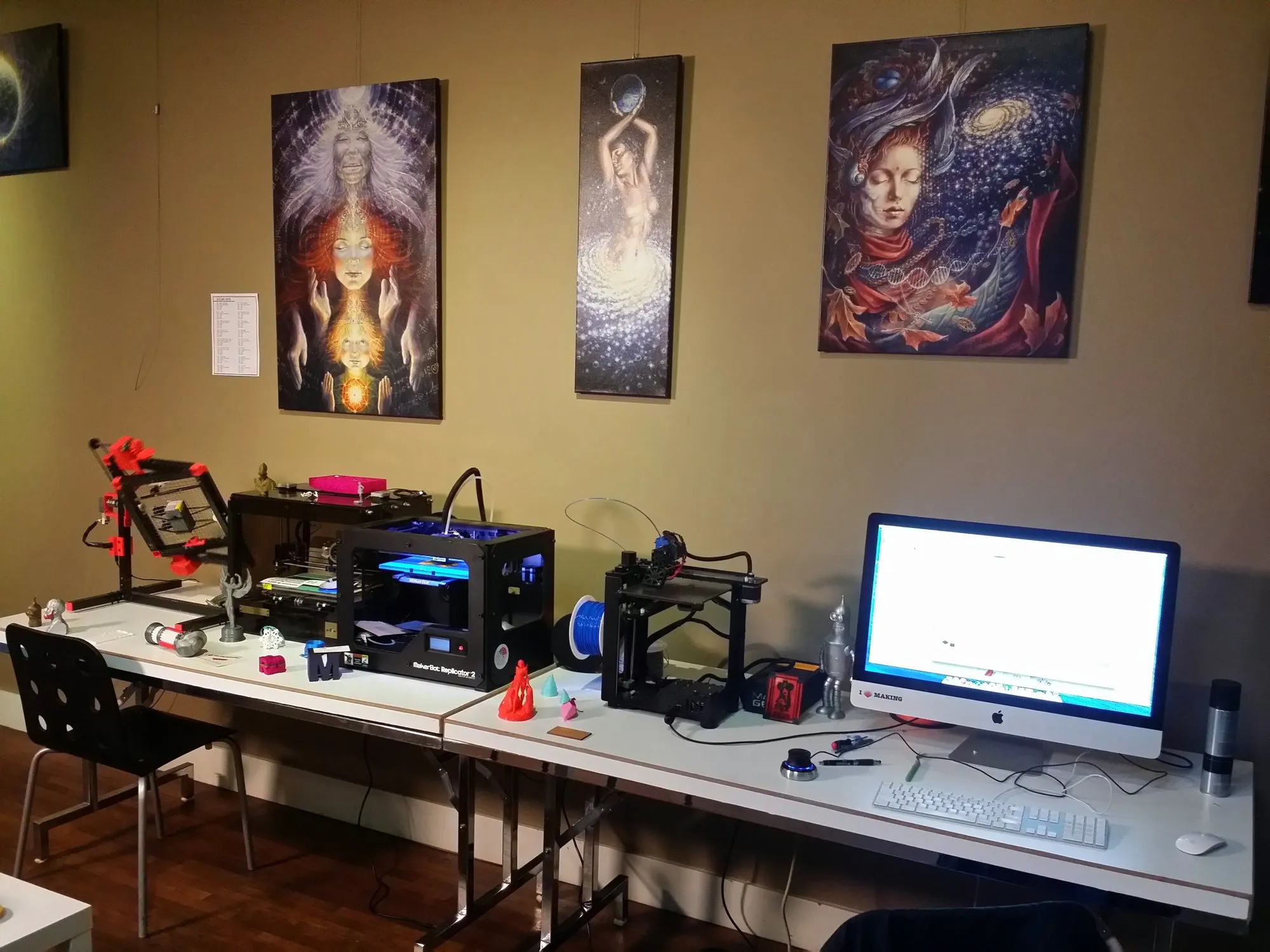
Years ago I ran Magic Maker, a little studio where people learned 3D design. Now I print with my own kids in Okotoks. If you just got a printer and you’re not sure where to start, send me your question. That’s exactly what I’m here for.
Ask me a questionStart with your printer’s own app. Most come with a phone app and a slicer for your computer: the program that turns a 3D model into steps for the printer. Tell me which printer you have and I’ll point you to the right one.
Most slicer programs run on Windows and Mac. Many printers also print straight from a phone app. Tinkercad, the free design tool, runs in a web browser, so a Chromebook works for designing.
MakerWorld, Printables and Thingiverse have thousands of free designs. The 10 above are a great place to start.
Yes, with a grown-up nearby. The nozzle gets very hot, so little hands stay out while it prints. Most family printers use PLA, a plant-based plastic. Keep the printer somewhere with fresh air.
Totally normal. It’s usually the first layer not sticking. Clean the build plate, check it’s level, and try again. Still stuck? Send me a photo.
I’m building it now for 2027. Place and times are coming soon. Sign up for club updates and you’ll hear first.